Fatekeeper save game guide
Fatekeeper Save Game: Checkpoints, Save Location, and Backups
Use this Early Access guide to confirm when progress is safe, back up your PC files, and avoid confusing a cloud-sync problem with a broken save.
Checked August 16, 2026. Steam documents the PC Early Access release and Steam Cloud, while current save-point behavior and the local folder are treated as community/database evidence rather than an official promise.
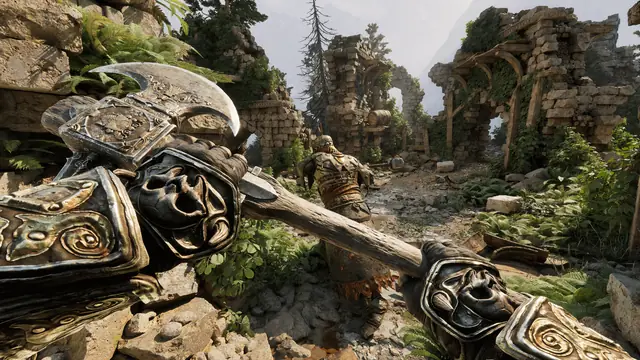
Quick answer: how to save in Fatekeeper
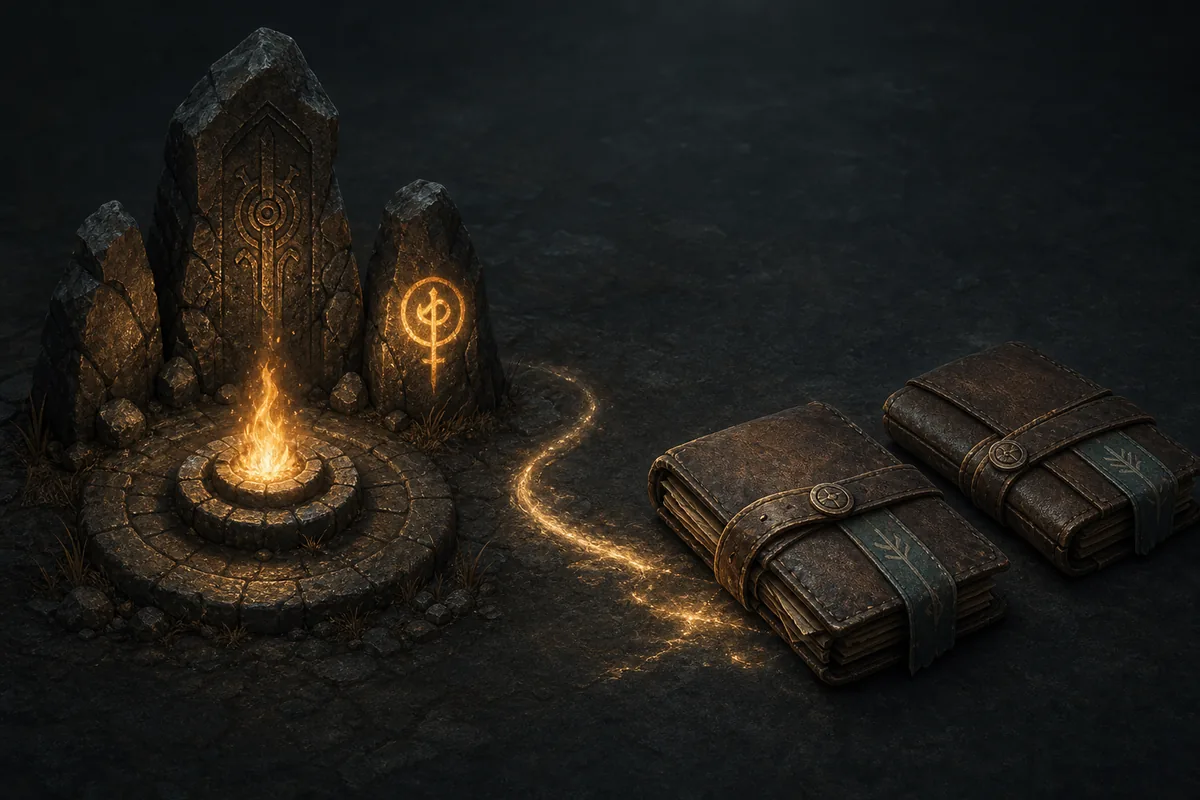
The safest current routine is to use the next confirmed campfire or checkpoint, interact until the game gives you a clear response, and quit through the normal menu instead of closing the process during a transition. Public player reports describe campfires or checkpoint moments as the practical save trigger, but the official Steam listing does not publish a complete manual-save rule. Treat the checkpoint as confirmed only after the objective, room state, or load behavior visibly changes. For important progress, copy the local SaveGames folder before testing trainers, mods, a manual restore, or a new Early Access patch.
Save routine
How to confirm that Fatekeeper progress is safe
Early Access systems can change, so a repeatable check is more reliable than assuming every transition creates a permanent save.Reach a real progression point
Finish the current combat or interaction and move to the next recognizable campfire, checkpoint, quest handoff, or story room. Do not test a save during a loading transition, while a dialogue is still open, or while an enemy encounter is actively changing the room state.
Interact and wait for feedback
Use the prompt or interaction attached to the checkpoint instead of simply walking past it. Wait until the animation, sound, prompt, or objective response has finished. If nothing changes, reposition once and check that no combat, conversation, or quest step is blocking the interaction.
Make a small reversible test
After the checkpoint responds, move a short distance, open a menu, or complete a low-risk action that you can repeat. The goal is to see a stable state change, not to gamble a long section of progress. Avoid deliberately dying as a save test while you are still unsure how the current build handles the checkpoint.
Exit through the normal menu
Return to the title screen or use the game's normal quit flow before closing Steam or Windows. A clean exit reduces the chance that a write is interrupted. If you are testing a patch, trainer, or mod, keep the original session closed before copying or replacing any save files.
Reload only after the file is closed
When you need to verify the result, start the game again and check the latest stable location or objective. If the result is older than expected, do not repeatedly overwrite the same folder. Stop, make a backup, compare timestamps, and check current Steam or community reports for a build-specific issue.
Evidence boundary
What the Fatekeeper save game evidence actually supports
This table keeps official store information, current player reports, and safe editorial advice separate so a changing Early Access system is not described too confidently.| Question | Best current answer | Confidence and action |
|---|---|---|
| Is Fatekeeper a PC game with Steam Cloud? | The official Steam listing presents the Windows PC Early Access game and lists Steam Cloud. | Official store fact; still keep a local backup before restoring files. |
| Where should I expect a practical save point? | Public player reports point to campfires or checkpoint moments as the useful place to confirm progress. | Community evidence; interact and wait for feedback instead of assuming. |
| Can I save anywhere from a menu? | Do not assume a free manual-save slot or universal autosave rule from the public store description. | Not confirmed; use a checkpoint and normal quit flow. |
| Where is the local PC folder? | A commonly documented path is under %APPDATA%/Paraglacial/Fatekeeper/SaveGames/. | Community/database reference; verify the folder exists on your install. |
| Will Steam Cloud protect every mistake? | Cloud sync can preserve a file, but it can also surface a conflict or sync an unwanted state. | Use local dated backups before replacing files or choosing a cloud version. |
| Can an older guide be trusted after a patch? | Only as a starting point; save triggers, folder behavior, and compatibility can change during Early Access. | Recheck the current build and make a fresh backup. |
Reversible protection
How to back up a Fatekeeper save on PC
A dated copy is the safest way to test a trainer, mod, manual restore, or patch without turning one uncertain experiment into permanent progress loss.Quit the game cleanly
Use the normal in-game exit and wait until the game window has closed. Do not copy a file while Fatekeeper is still writing, loading a checkpoint, or showing a cloud-sync operation in Steam.
Open the AppData location
Press Win+R, enter %APPDATA%, and browse to the Paraglacial/Fatekeeper/SaveGames folder if it exists. If the folder is missing, do not create a random replacement and assume it is correct; check the current build and the public save-location reference first.
Copy the whole SaveGames folder
Copy the complete folder, not just the newest-looking file. Put it outside the live game directory in a dated location such as Fatekeeper-save-backup-2026-08-16. Keeping the folder structure intact makes a later restore easier to audit.
Keep the original untouched
Do not rename, edit, or overwrite the live folder while you are deciding what went wrong. If you are testing a trainer or mod, work from a separate copy and record the game build, tool version, and exact steps that produced the result.
Restore only after comparing timestamps
If a restore is necessary, close Fatekeeper, keep a fresh copy of the current folder, and replace files only after comparing dates and sizes. A backup proves what you had; it does not prove that a third-party tool or a future patch will accept the old format.
Handle Steam Cloud deliberately
If Steam shows a cloud conflict, stop before choosing a version at random. Compare the local backup, local file dates, and the session you actually want. Let Steam sync only after you have a known-good local copy and understand which state you are keeping.
PC file check
Fatekeeper save game location on Windows
Public PC game databases commonly list the save folder below. Use it as a starting point, then confirm the directory and modified dates on your own installation before changing anything.Commonly documented path
%APPDATA%\Paraglacial\Fatekeeper\SaveGames\- Paste %APPDATA% into the Windows Run box rather than searching the whole drive for a similarly named folder.
- Look for the Paraglacial, Fatekeeper, and SaveGames folders in that order; the exact contents can differ between builds or accounts.
- If the directory is hidden or absent, enable hidden items in File Explorer and verify that you launched the game at least once.
- Record file names, sizes, and modified dates before replacing anything. A timestamp comparison is more useful than guessing which file is newest from its name.
- Never download a replacement save or an executable from a mirror just because a folder is missing. Use the official Steam route and current support discussions instead.
Recovery checklist
Fatekeeper save game problems: what to check first
Use the lowest-risk explanation first: wrong checkpoint, interrupted write, cloud conflict, version mismatch, or a third-party change. Preserve evidence before trying a repair.
The game loaded an older location
Confirm that the checkpoint interaction finished and that you exited normally. Check local modified dates and compare them with the time of your last session. Do not overwrite the live folder until you have copied it.
The save folder is missing
Launch the game once, close it cleanly, show hidden items, and check the documented AppData path. If it is still absent, verify the current platform and build before creating folders by hand.
Steam asks which cloud file to keep
Pause and compare the local folder with your dated backup. The newer timestamp is not automatically the correct story state, so choose based on the session you want and keep both copies until the result is confirmed.
A trainer or mod changed the result
Reproduce the issue without third-party tools using a separate backup. Verify Steam files if needed, note the exact build, and do not assume that a clean scan proves a save is compatible with a later patch.
A patch changed save behavior
Read the latest official update notes and current Steam discussions before replaying a long section. Early Access balance, quest state, save compatibility, and file handling can change; a dated backup gives you a safe comparison point.
Fatekeeper Save Game FAQ
How do I save in Fatekeeper?
Use a confirmed campfire or checkpoint, interact until the game responds, and exit through the normal menu. Public player reports support this practical routine, while the official store page does not define every save trigger.
Does Fatekeeper have manual saves?
A free manual-save rule is not clearly documented in the public official description. Do not assume you can create a reliable menu save anywhere; use the current checkpoint flow and verify your result after restarting.
Where are Fatekeeper save files stored?
A commonly documented Windows starting point is %APPDATA%\Paraglacial\Fatekeeper\SaveGames\. Confirm the folder and its timestamps on your installation before copying or replacing files.
Does Fatekeeper use Steam Cloud?
The official Steam listing includes Steam Cloud. Cloud sync is not the same as a full local backup, so keep a dated copy before restoring files or selecting a cloud-conflict option.
Can a trainer or mod corrupt a Fatekeeper save?
A third-party tool can change values, quest state, or compatibility even when a file still opens. Test on a separate copy, record the build and tool version, and return to a clean backup for troubleshooting.
Should I download a save file if my progress disappears?
No. Do not trust random mirrors or executable downloads. Preserve your local folder, check Steam and official update information, compare your backup, and use a source only when you can verify what it changes.
Sources and evidence notes
Official pages establish the platform and Steam features. Community/database pages are linked separately for current save behavior and the commonly documented PC path; they are not presented as official support guarantees.