Fatekeeper Ornate Copper Key guide · checked August 22, 2026
Fatekeeper Ornate Copper Key: Location, Route, and First-Gate Solution
Use the canal and torch level as your landmarks, reach the key chest without guessing at every locked door, then return to the early gate with a clear route plan.
The item name and route are kept conservative because Fatekeeper is in Early Access. Official game context is paired with current public guide evidence; exact room dressing or trigger behavior can change after an update.
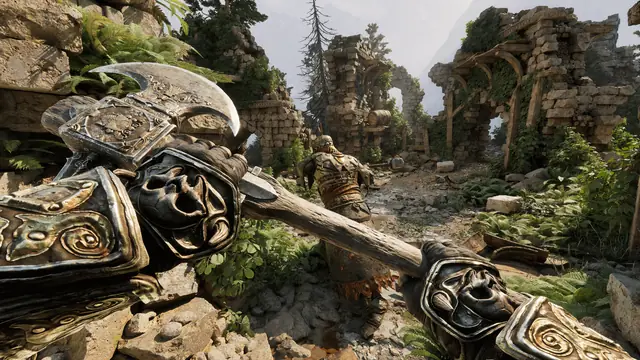
Quick answer
The Fatekeeper Ornate Copper Key is a route item tied to the early locked-gate problem. Start from the torch-lit canal level, use the waterway, bridge, and gate architecture as landmarks, search the reachable branch for the chest, and return to the first gate after confirming the key is in your inventory. Do not confuse this item route with the later Portal Room objective or with a Steam purchase key.
Spoiler-light walkthrough
A reliable route to the Ornate Copper Key
The safest answer to the Fatekeeper first-gate search is a landmark route, not a fragile list of left and right turns. Use the steps below, then stop once the key is confirmed.Pin the problem you are actually solving
Before moving, check whether your objective is the early locked gate or a later Portal Room step. The Ornate Copper Key route belongs to the first problem. If the objective text has changed, use the Portal Room guide instead of forcing this route.
Return to the torch-lit canal level
Use the canal, water sound, stone arches, and repeated torches as your starting landmarks. If you arrive from a different direction, orient yourself by the water and the nearest bridge rather than by an old video camera angle.
Cross the bridge and keep the gate in mind
Follow the reachable bridge-side route near the first gate. The goal is to explore the branch that leads to the key chest, not to attack or repeatedly interact with a closed door that gives no useful response.
Search the chest and verify the inventory
When you reach the chest or item pickup associated with the route, open it, collect the Ornate Copper Key, and pause long enough to confirm the pickup or inventory entry. A quick inventory check prevents a second blind trip.
Return to the first locked gate
Retrace the bridge and canal landmarks to the gate. Approach it with the key in your inventory and check for the interaction prompt. If the gate still behaves as locked, do not assume the key route failed until the objective state and prompt have been checked.
Record the build if the route differs
Fatekeeper is in Early Access, so a moved chest, renamed area, or changed trigger should be recorded with the current date and build. A dated note is more useful than copying an older turn-by-turn route as permanent fact.
Landmark method
Use the canal and torches as your navigation anchors
The exact geometry can feel different when you enter from another corridor. The visual route illustration below is a conceptual explanation, not a literal gameplay screenshot; in-game, prioritize water, bridges, torch lines, and the gate silhouette.- Start from the water and torch level instead of from a random combat room.
- Use the bridge as a reset point: if you lose your bearings, return to it before choosing another branch.
- Treat the first gate as a destination marker, not proof that the chest must be in the same room.
- Check both the route side and the return side of a doorway; Early Access geometry can make a branch look one-way.
- Keep the later Portal Room objective separate from this early key route so the two walkthroughs do not blur together.
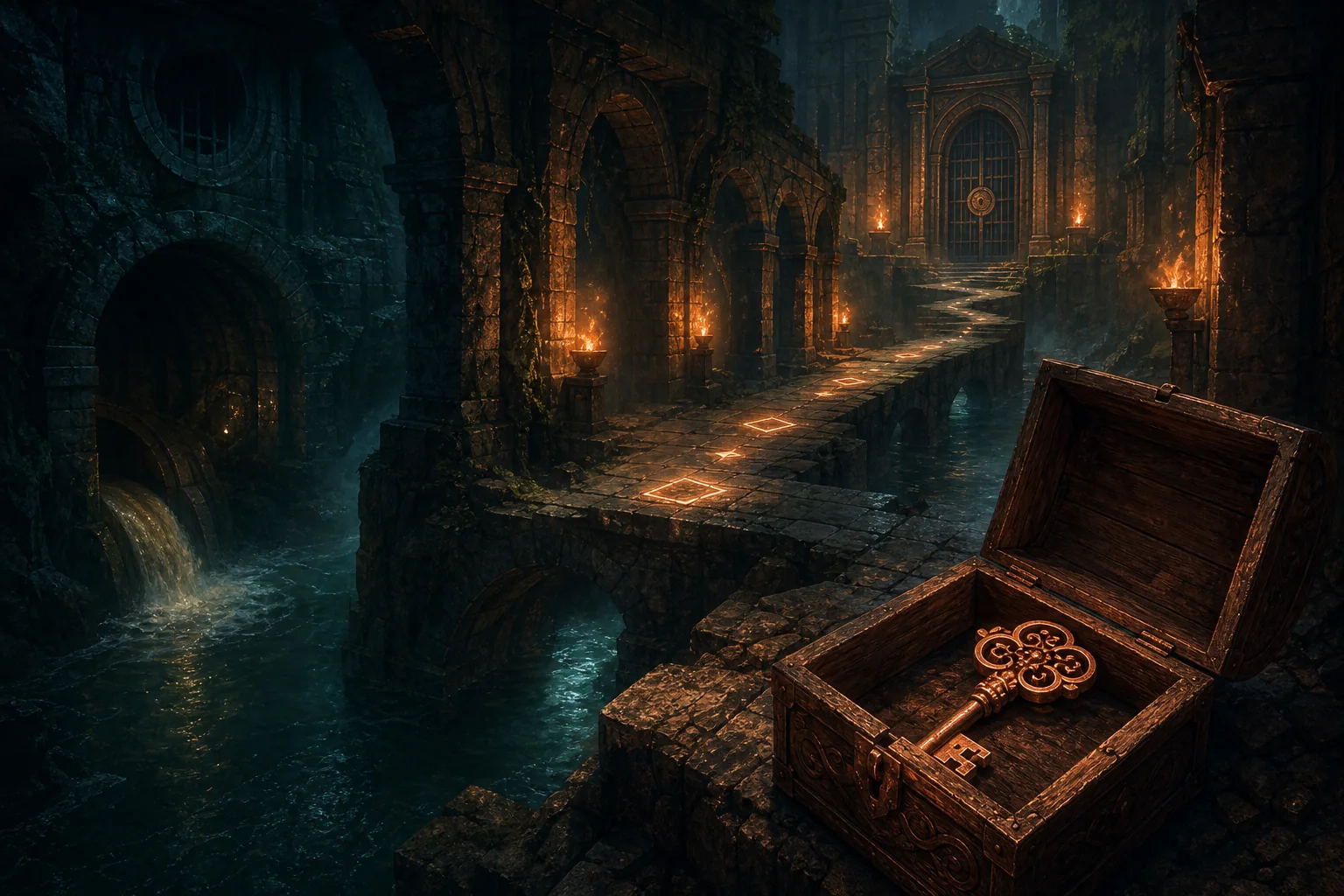
Route logic
What each part of the route is telling you
A good key guide answers both where to go and why the landmark matters. These sections help you recover when a patch, camera angle, or missed turn makes a familiar route look different.
Torch-lit canal
The canal is the strongest orientation clue in the search cluster. Follow the waterline and torch rhythm until the bridge and gate architecture become readable again.
- Listen for water before chasing a marker.
- Use arches and bridges as repeatable landmarks.
- Do not treat every dark side passage as the key branch.
First gate
The first gate is the reason the query exists, but it is not necessarily where the key is found. Use it to establish direction, then scout the nearby reachable route for the chest.
- A missing prompt means backtrack and inspect the branch.
- Avoid spending resources on a door with no state change.
- Return after the inventory check instead of guessing.
Chest and return path
The item pickup matters only when you can get back to the gate and confirm the interaction. Think of the bridge as the midpoint of an out-and-back route.
- Open the chest fully before leaving.
- Confirm the item name or inventory state.
- Keep a save or checkpoint note if the trip was long.
Checklist
Fatekeeper Ornate Copper Key route checklist
Use this compact table when you are already in the area and need to decide whether to continue, turn back, or switch to another guide.| What you see | What it means | Best next action |
|---|---|---|
| Torch-lit canal and running water | You are near the correct route family | Use the nearest bridge and gate silhouette to orient yourself. |
| First gate is closed with no useful prompt | The key is probably not in the door room | Backtrack one junction and search the reachable side branch. |
| Chest or item pickup appears | The route may be complete | Collect it, verify the inventory, and retrace the bridge. |
| Key is in the inventory but the gate is unchanged | The objective or interaction state may not be ready | Check the active objective, reload the latest checkpoint once, and test the prompt again. |
| Marker seems to point through a wall | The route may loop vertically or the marker is imprecise | Check stairs, ramps, drops, and side passages before assuming a bug. |
| The objective changed to Portal Room | You have moved to a different progression step | Switch to the Portal Room guide rather than repeating the key route. |
When the solution does not match
Locked gate and missing-key troubleshooting
Try low-risk checks before replaying a long section or calling the save broken. Early Access changes can affect visual landmarks and interaction timing.The chest is not where the guide says
Return to the canal and bridge, then scan both sides of the route instead of following an exact camera turn. Check the current build or community discussions before assuming the item was permanently removed.
The gate has no interaction prompt
Confirm that the Ornate Copper Key is actually in the inventory, move away from the door, clear nearby combat, and approach again. If the prompt remains absent, reload the latest checkpoint once.
The key appears but the route still feels blocked
Verify that you are at the early first gate rather than the later Portal Room or another locked door. Similar-looking architecture can belong to a different objective.
You are worried about losing progress
Keep a dated save or checkpoint note before experimenting. Use the save-game guide for the site's conservative backup advice, and avoid claiming that a reset or respec will fix a route state without current evidence.
An old video disagrees with your build
Treat video turn counts as visual hints, not permanent map data. Match the canal, bridge, torches, and gate function first, then record the date if the current build has changed the path.
Keep the intent clear
What the key route does—and does not—cover
The item guide is intentionally narrower than a full walkthrough. This keeps the first-gate answer useful without turning it into a spoiler-heavy map dump.| Question | Covered here | Use another page when... |
|---|---|---|
| Where is the key? | The canal, bridge, chest, and return-route logic | You need every map branch or full area notes. |
| Which door is this for? | The early first-gate problem | Your objective explicitly says Find the Portal Room. |
| Is it a Steam key? | No; this is an in-game route item | You are comparing purchase options or store pricing. |
| What happens after the gate? | Only enough to confirm the route state | You want story, boss, or late-game walkthrough spoilers. |
| What if the save is stuck? | Low-risk prompt, checkpoint, and build checks | You need a full save-file or backup procedure. |
Related Fatekeeper guides and sources
Use the map guide for broader routes, the Portal Room page for the later objective, and official pages for the game's current identity and platform context.
Fatekeeper Ornate Copper Key FAQ
Where do I find the Fatekeeper Ornate Copper Key?
Start from the torch-lit canal level, use the bridge and first-gate architecture as landmarks, search the reachable branch for the chest, and verify the key in your inventory before returning to the gate. Exact room dressing can change during Early Access, so follow landmarks rather than a fixed turn count.
How do I get through the first gate in Fatekeeper?
Do not repeatedly force the closed gate. Follow the canal and bridge route to the key chest, collect the Ornate Copper Key, return to the early gate, and check the interaction prompt. If the prompt is missing, verify the active objective and reload the latest checkpoint once.
Is the Ornate Copper Key the same as a Fatekeeper Steam key?
No. The Ornate Copper Key is an in-game route item. Steam-key or purchase searches belong to a different commercial intent and are deliberately not the focus of this guide.
Does this key open the Fatekeeper Portal Room?
Not as a general rule. The Portal Room is a later objective with its own route and interaction checks. If your quest text says Find the Portal Room, use that guide instead of repeating the first-gate key route.
Why is the torch-level canal route confusing?
The canal, arches, bridge, and gate can look similar from different entry points. Reset at the water and bridge, keep the first gate in sight as a direction marker, and inspect the side branch instead of treating every locked door as the destination.
What should I do if the key or gate is bugged?
Confirm the inventory entry, clear nearby combat, approach the gate again, reload the latest checkpoint once, and note the current build. If the state repeats, check recent official or community update reports before replaying a long section.